What is Power Automate?
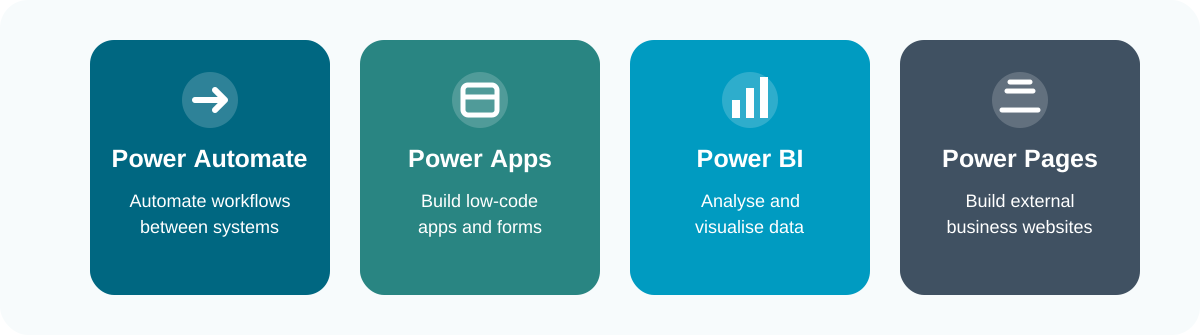
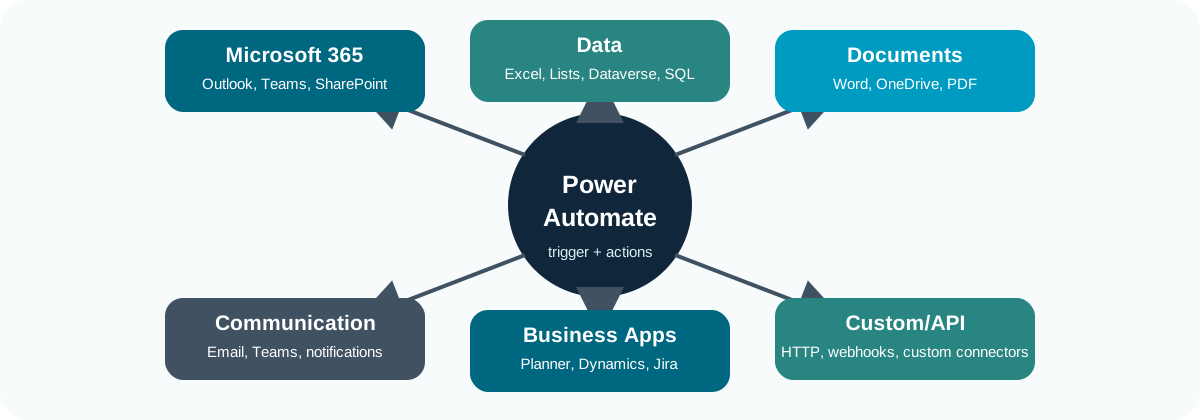
Power Automate is Microsoft’s workflow automation tool for connecting apps, data, documents, and people. It lets you build flows that respond to an event and then carry out a sequence of actions.
For example, a flow might:
- Capture a request from a form;
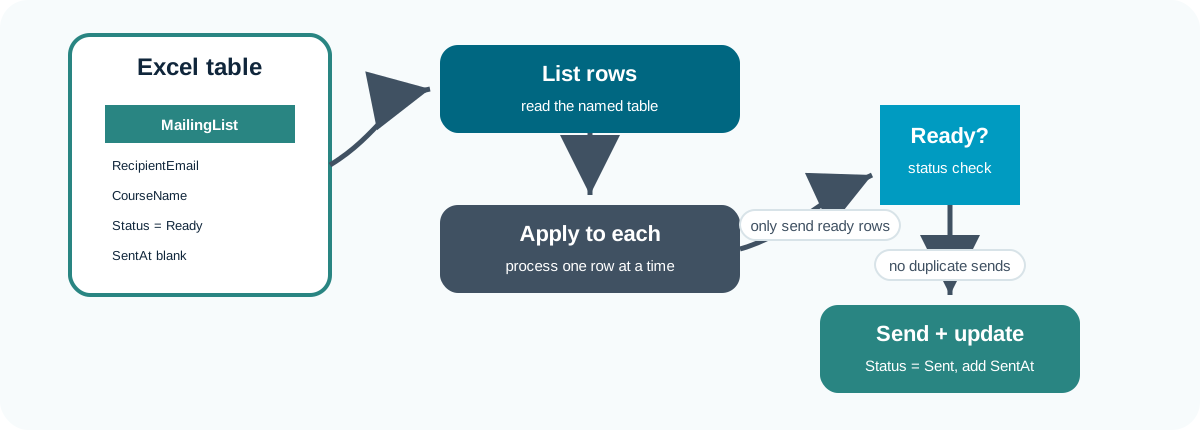
- Add the request to a tracker;
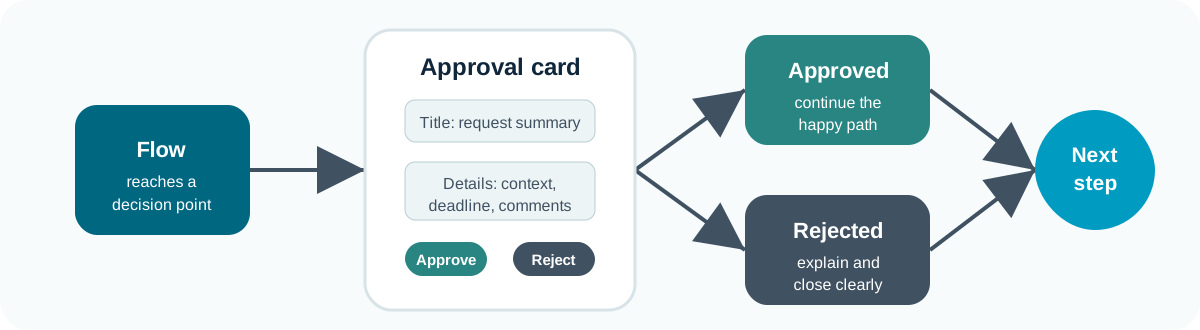
- Ask someone to approve it;
- Send an email or Teams message;
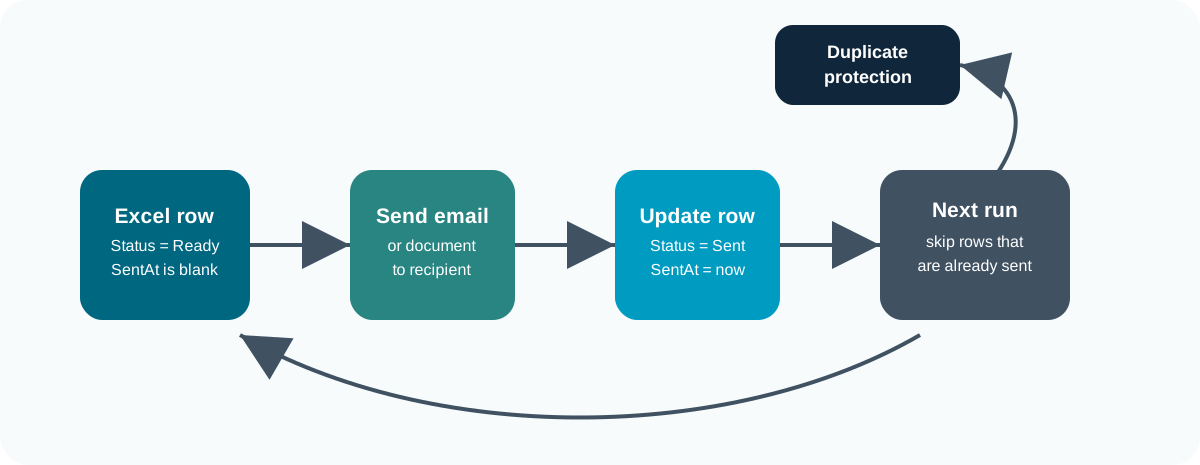
- Update a record when the work is complete.
💬 Think of Power Automate as a way to turn a repeatable administrative process into a visible, testable workflow.
Main Parts of a Flow
Most flows follow the same basic shape.
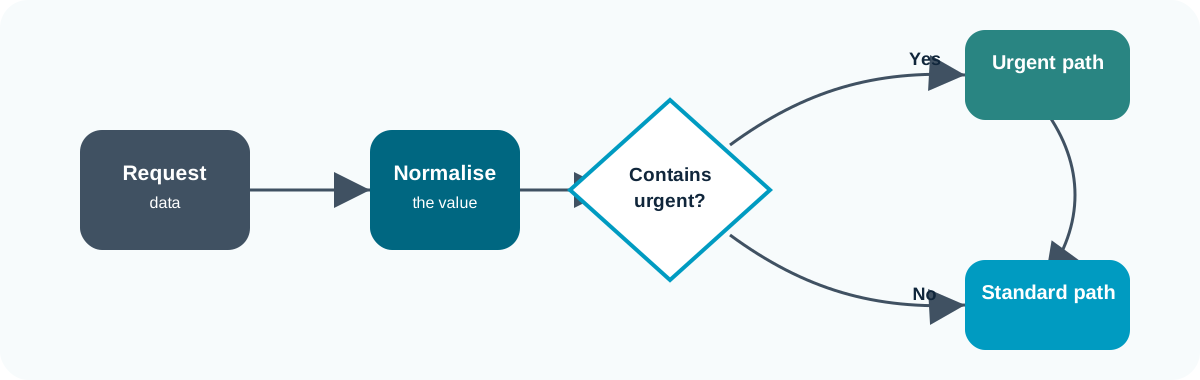
![]()
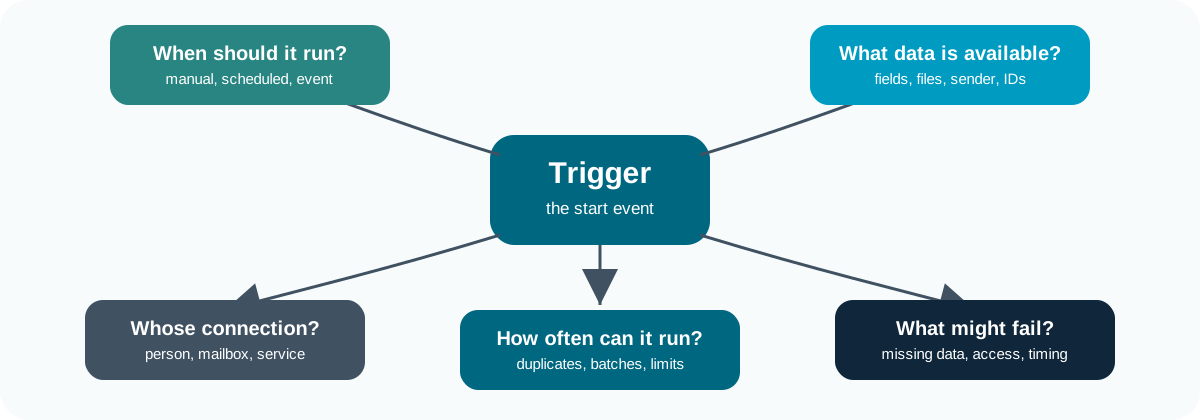
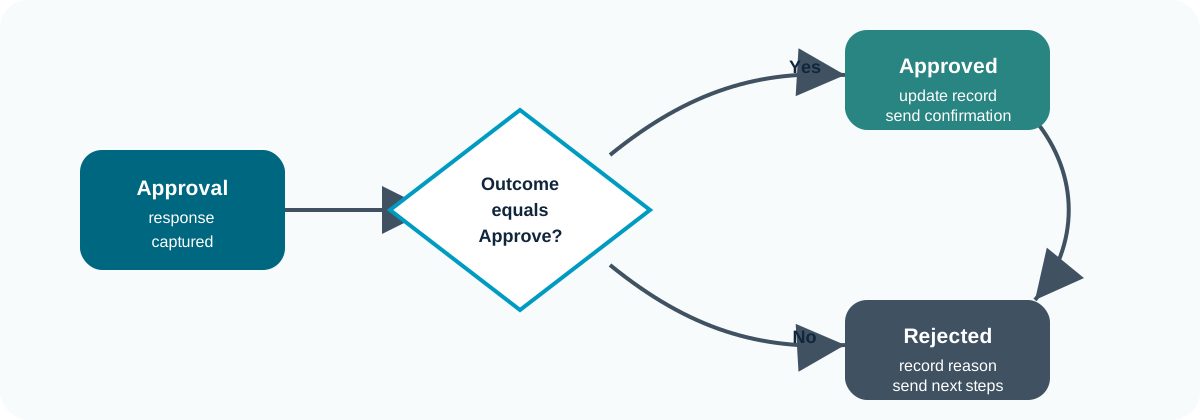
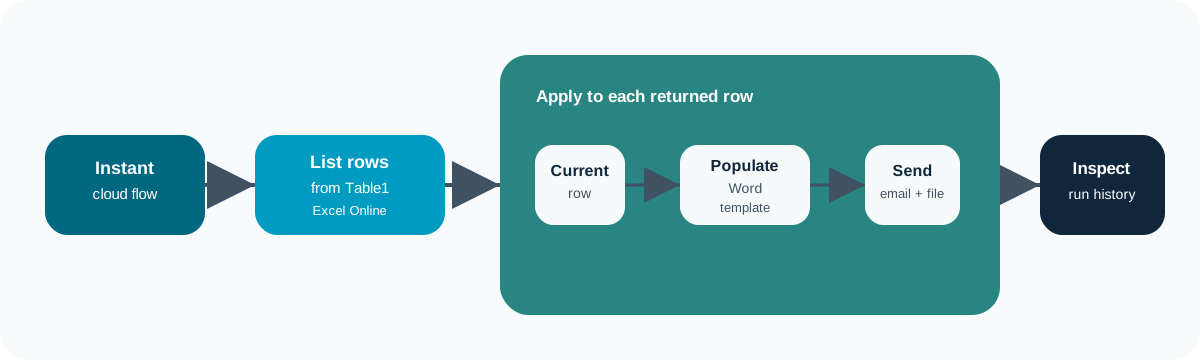
A flow starts with a trigger, performs actions, may branch, and usually records or communicates an outcome.
🔁 When debugging, inspect the flow in this order: trigger, data, decision, output.